 ShareShortcuts

shortText
Utilities • Updated 3 months ago
Download Shortcut Add to Collection Like (312)Version 1.0 • 3077 unique downloads
ShareShortcuts Member:
@shorttext
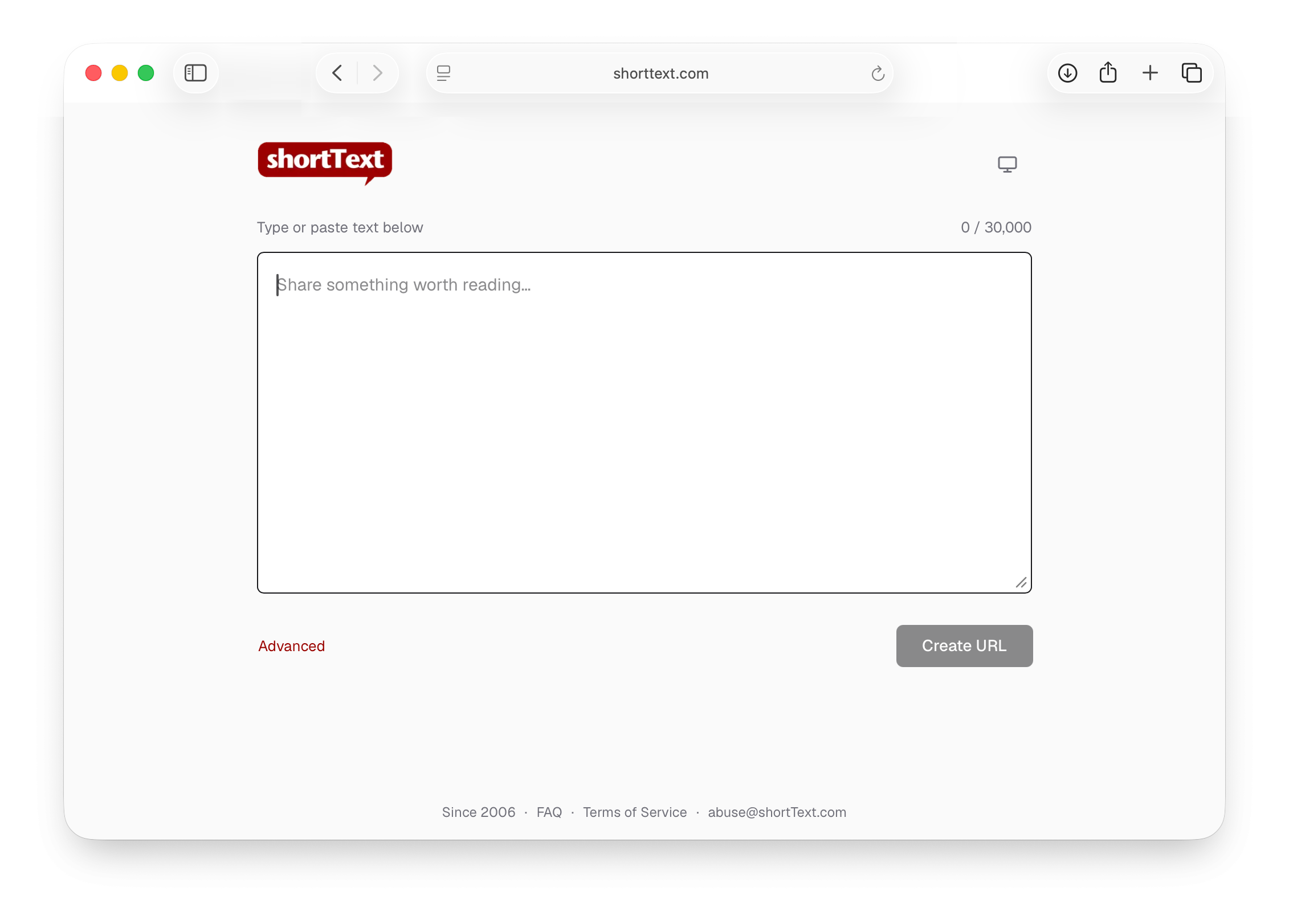
Turn selected text in almost any app into a clean, shareable link — free, no account.
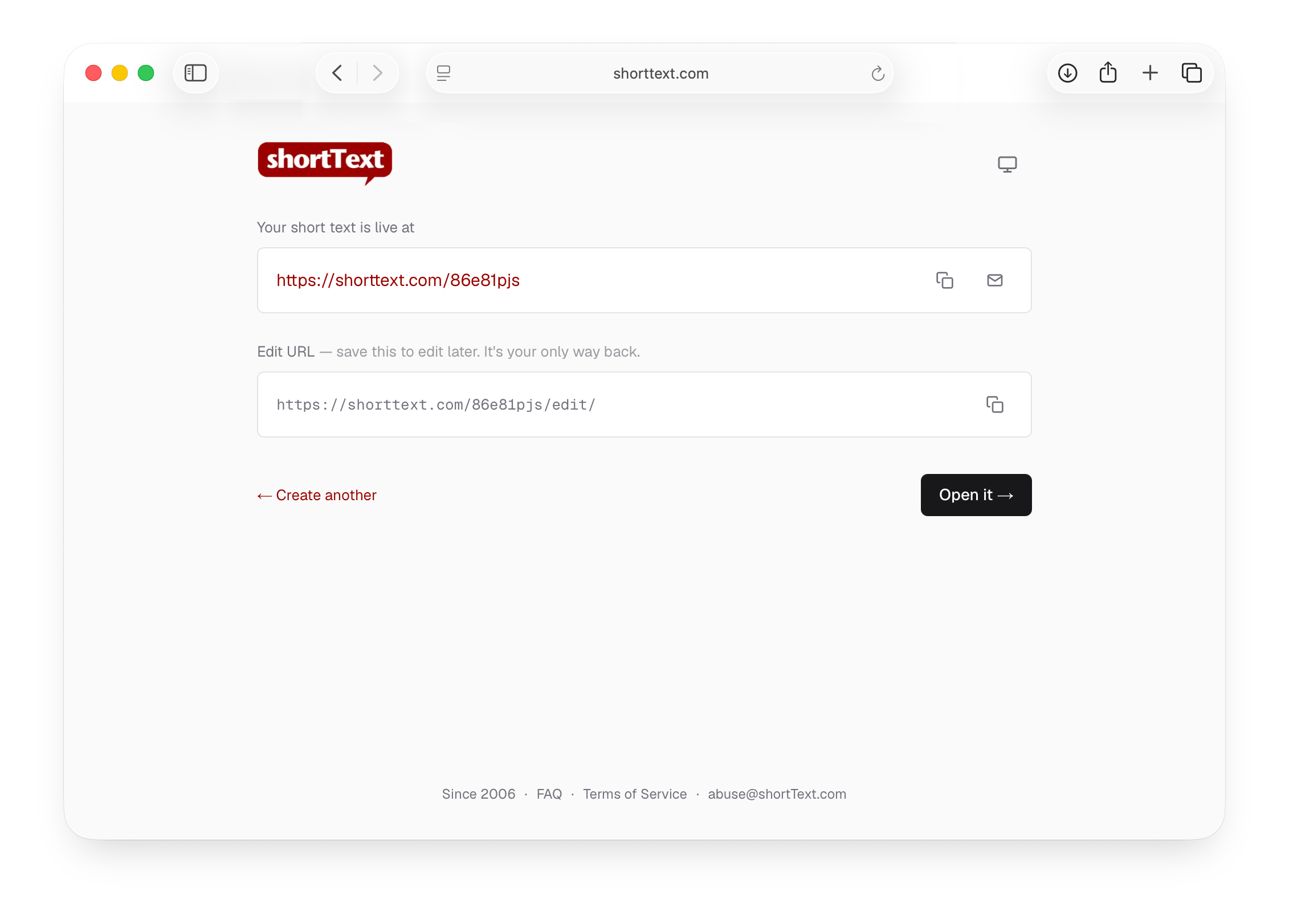
Select text anywhere, run shortText, and it creates an unlisted shortText, copies the link to your clipboard, and opens it in your browser. Great for sharing snippets, logs, notes, or long messages that don't fit elsewhere. Works on macOS, iPhone, and iPad.
How to use
- iPhone / iPad — select text → Share → shortText - Mac — select text → right-click → Services → shortText Run it from a web browser and it also offers to append the page link.
One-time Mac setup
Open the shortcut, click the ⓘ button, and tick Use as Quick Action → Services Menu so it appears in the right-click menu.
Good to know
- No account, no sign-in
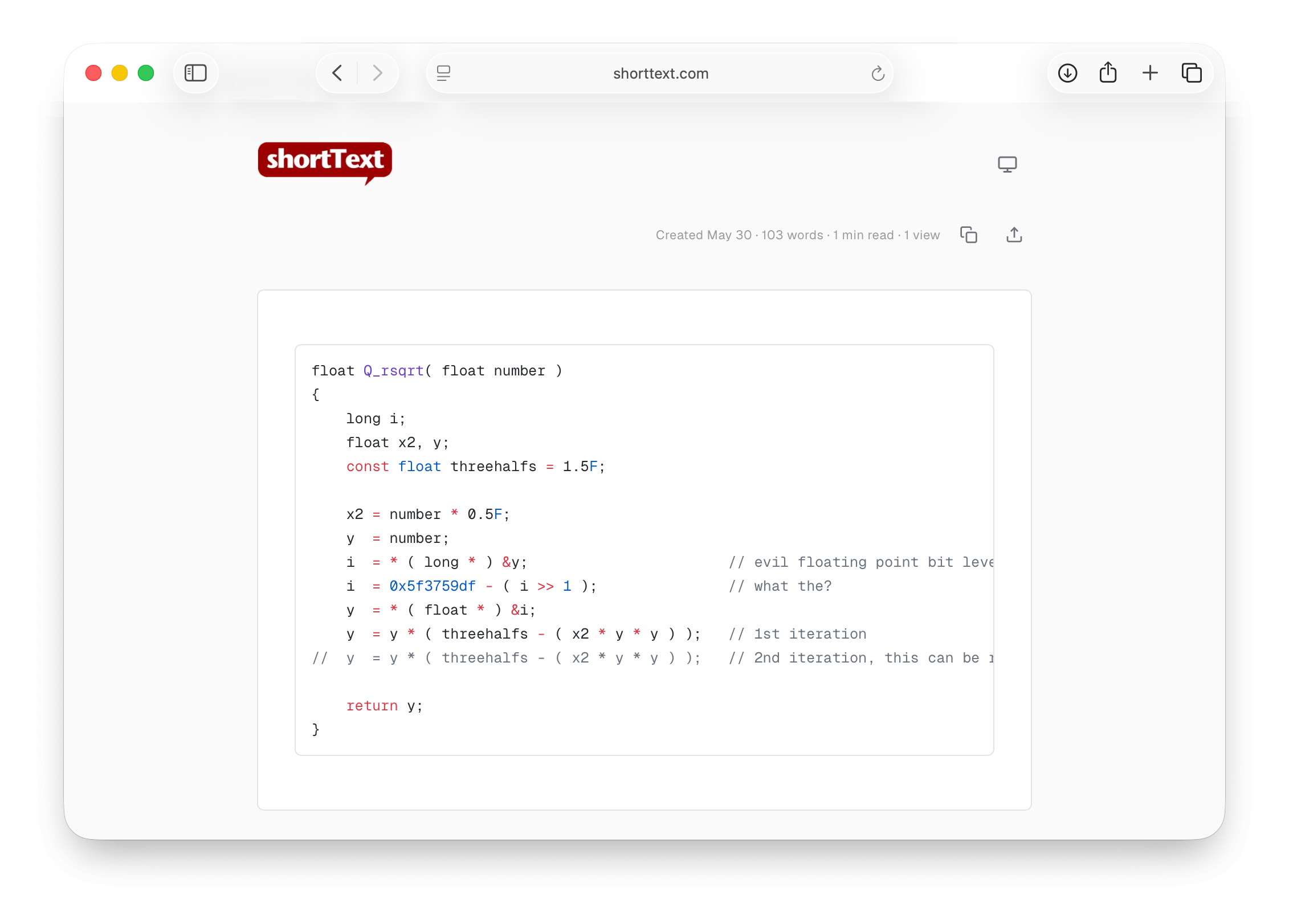
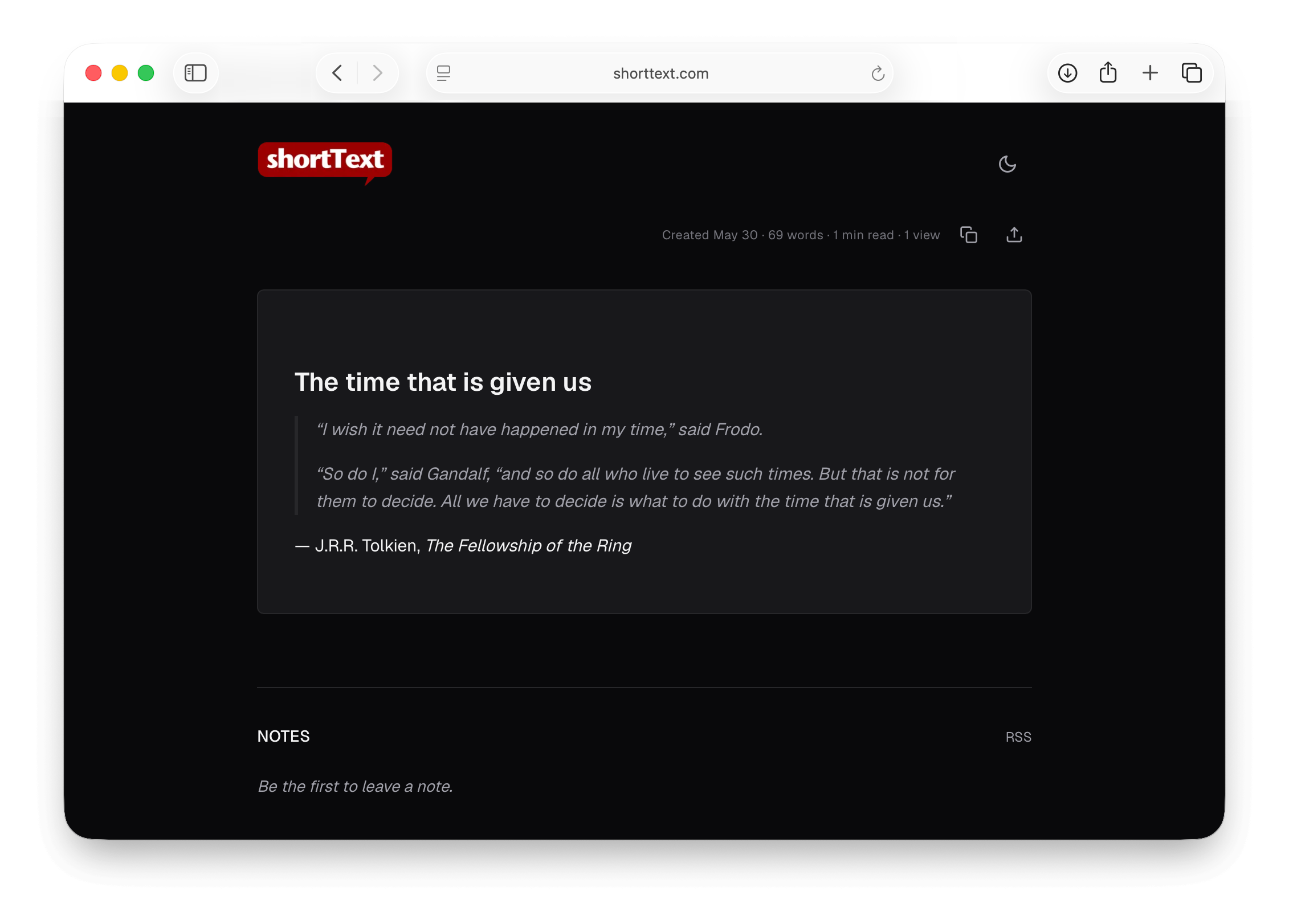
- Plain text in, link out — your text renders with Markdown (headings, bold, *italic*, links, lists, code, quotes)
- Up to 30,000 characters per shortText
By shortText.com — https://shorttext.com
Changelog
-
Version 1.0 Current
3 months ago (Changes)
Extensions:
Siri is supported
ShareSheet is supported