 ShareShortcuts

DashLog+
Utilities • Updated 2 months ago
Download Shortcut Add to Collection Like (217)Version 1.0 • 2103 unique downloads
ShareShortcuts Member:
@matthewsubblox
🎮 DashLog+: The Ultimate Creator Dashboard
A fast, no-nonsense iOS Shortcut designed for tracking your actual game development and milestone progress. Stop wasting time tracking your sessions in random notes—DashLog+ keeps everything saved cleanly in your iCloud Drive so you can focus on building.
⚡ What it does:
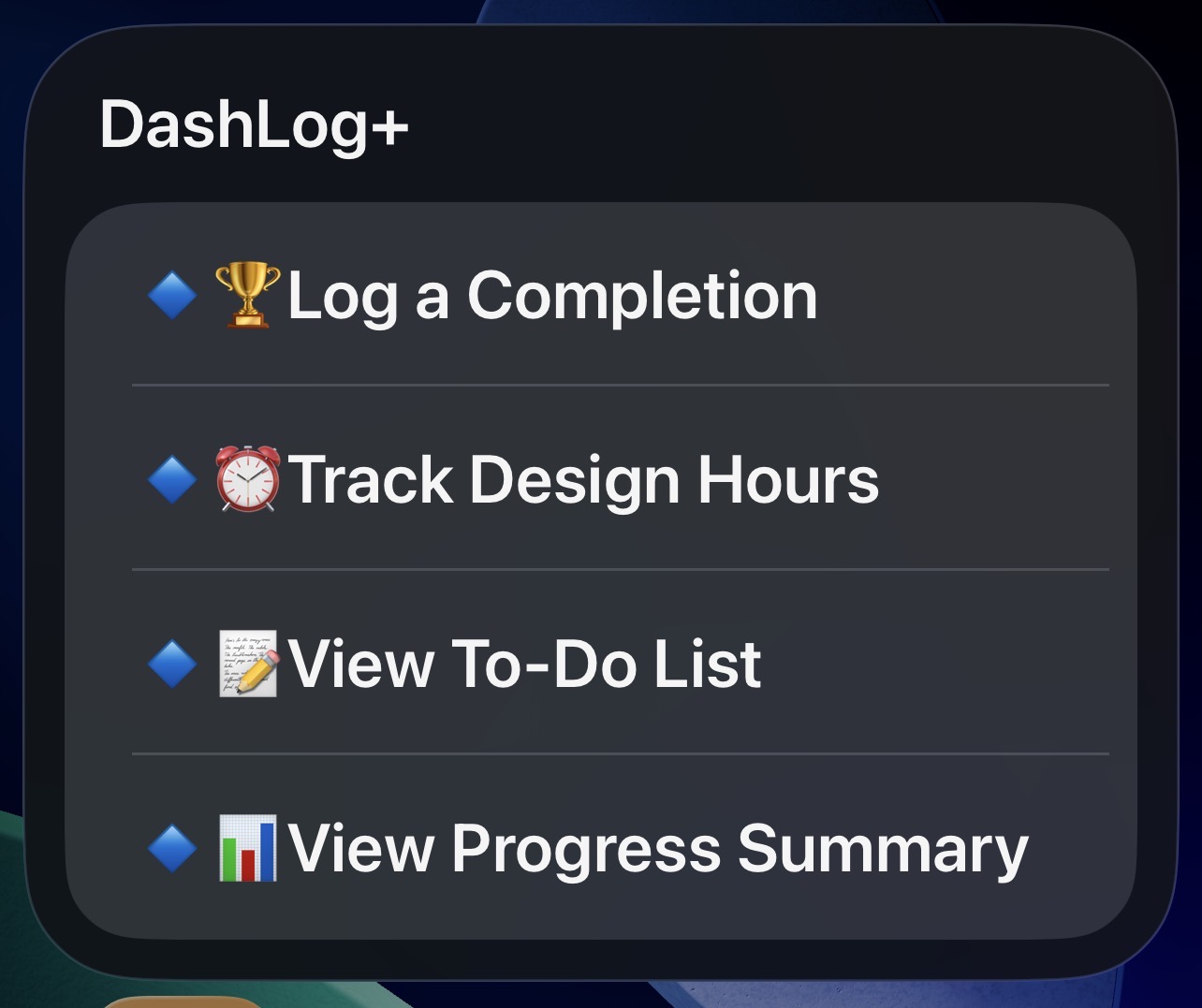
⏱️ Log Design Hours: Instantly save your creative grind time to a clean, running log.
🏆 Log Achievements: Keep a permanent record of the massive milestones and achievements you've unlocked.
📝 View To-Do List: A built-in mini-menu to add new tasks or view your current priorities on the fly—zero file clutter.
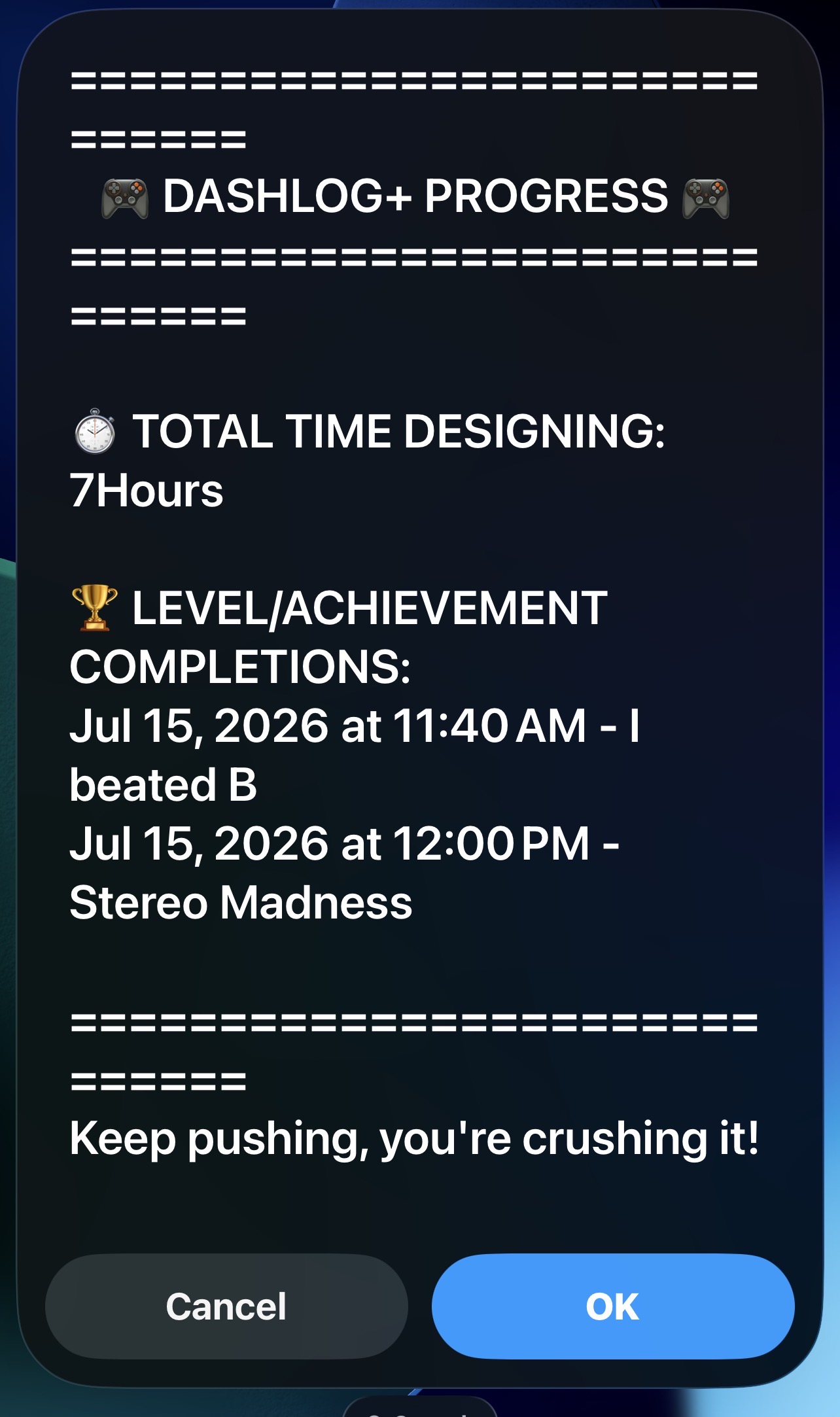
📊 View Progress Summary: Generates a live, custom-designed dashboard showing your exact total design hours and your recent achievements list in one screen.
⚠️ READ THIS BEFORE RUNNING (Heads Up!)
To make sure your dashboard runs perfectly on the very first try without crashing, follow these quick rules:
1. Always Add a Task First: When you run the shortcut for the first time, immediately go to ➕ Add a Task and type something in. This automatically builds the files in your iCloud Drive. If you try to view an empty list first, it will throw an error!
2. Log Before You Summarize: Do not open the 📊 View Progress Summary until you have logged at least one design hour and one achievement. The math calculator needs numbers to read, or it will error out!
3. Accept the Pop-ups: The first time you run a menu option, Apple will ask for permission to access your iCloud folder. Just tap "Always Allow" and you'll never see them again.
🐞 Found a Bug?
If you run into any issues or find a bug in the shortcut, let me know!
Changelog
-
Version 1.0 Current
2 months ago (Changes)
Extensions:
Siri is supported