 ShareShortcuts

WifiQR+
Utilities • Updated 2 months ago
Download Shortcut Add to Collection Like (218)Version 1.0 • 2158 unique downloads
ShareShortcuts Member:
@matthewsubblox
📶 WifiQR+
Tired of manually typing out your long, complicated Wi-Fi password for guests or reading it off the back of a dusty router? 🙄 WifiQR+ solves that instantly! 🚀
This shortcut automatically grabs your current Wi-Fi network name, lets you type in your password, and instantly generates a clean, high-definition QR code right on your screen. 📲 Your friends can just point their phone cameras at your screen and connect in one second! ⚡
🔒 Privacy First (Don't Panic!)
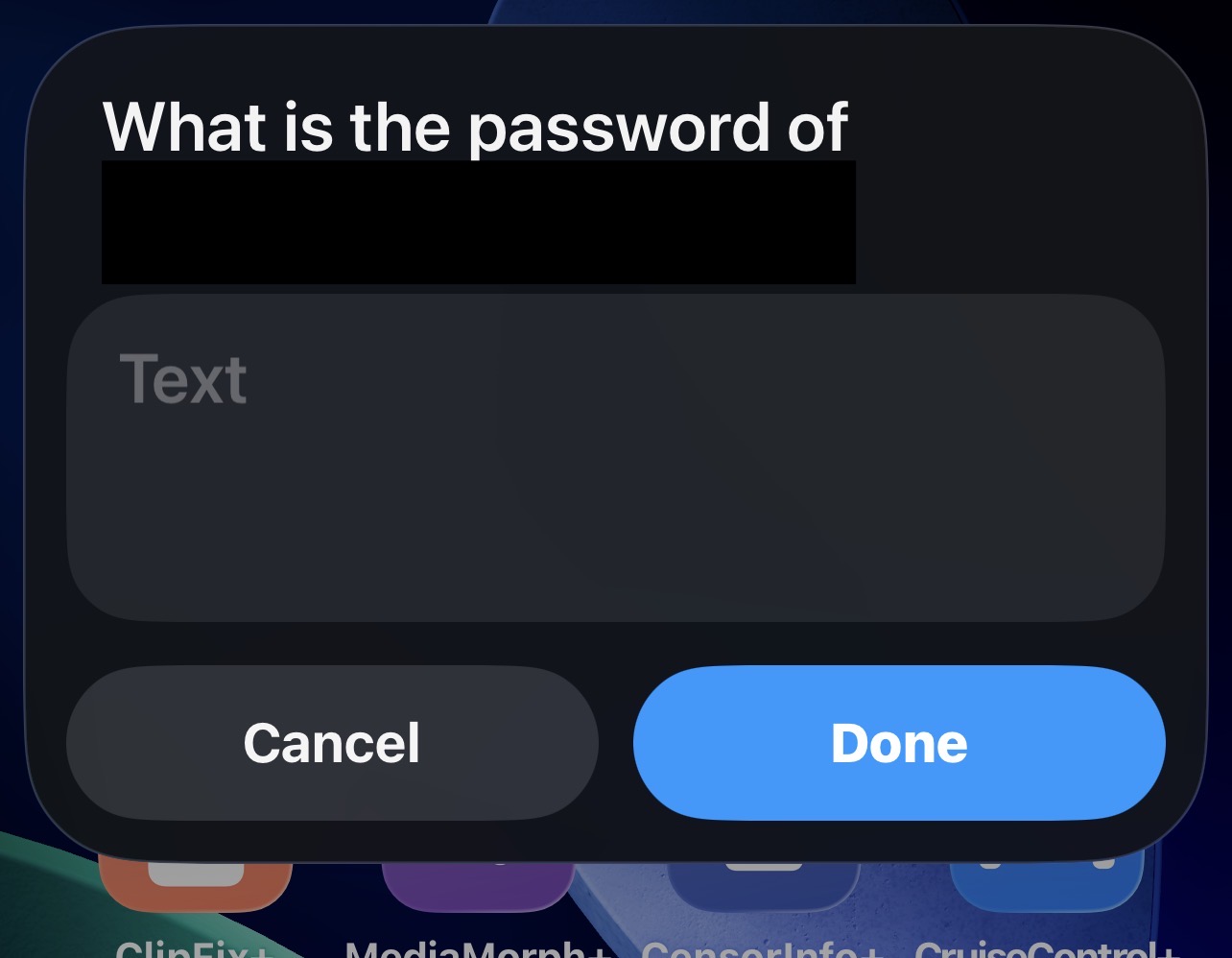
When the shortcut runs, it will ask you to enter your Wi-Fi password. Do not panic! 🛡️ This shortcut runs 100% locally on your device. Your Wi-Fi name and password are never sent to the internet, never saved, and never used for anything else. It is entirely offline, safe, and secure! 🤫
Features:
Instant Sharing: Generates a scannable QR code in seconds! 🔲
Auto-Detect: Automatically grabs the name of the Wi-Fi network you are currently connected to! 📡
No Adware: Completely native iOS actions—no third-party apps or sketchy websites required! ❌
Clean UI: Tap the previewed QR code to make it snap into crystal-clear high definition! 🔍
(Note: If the QR code looks a little blurry when it first pops up, just tap on it! iOS will instantly render it perfectly sharp and clear! 💎)
Screenshots
Changelog
-
Version 1.0 Current
2 months ago (Changes)
Extensions:
Siri is supported