 ShareShortcuts

iVirus
Fun • Updated 3 months ago
Download Shortcut Add to Collection Like (257)Version 1.0 • 2541 unique downloads
ShareShortcuts Member:
@aaf
ALERT: THE FOLLOWING VERSION IS STILL IN BETA, THE OFFICIAL RELEASE IS COMING SOON. ALERT: THIS ONLY WORKS ON IPHONES
Setup instructions:
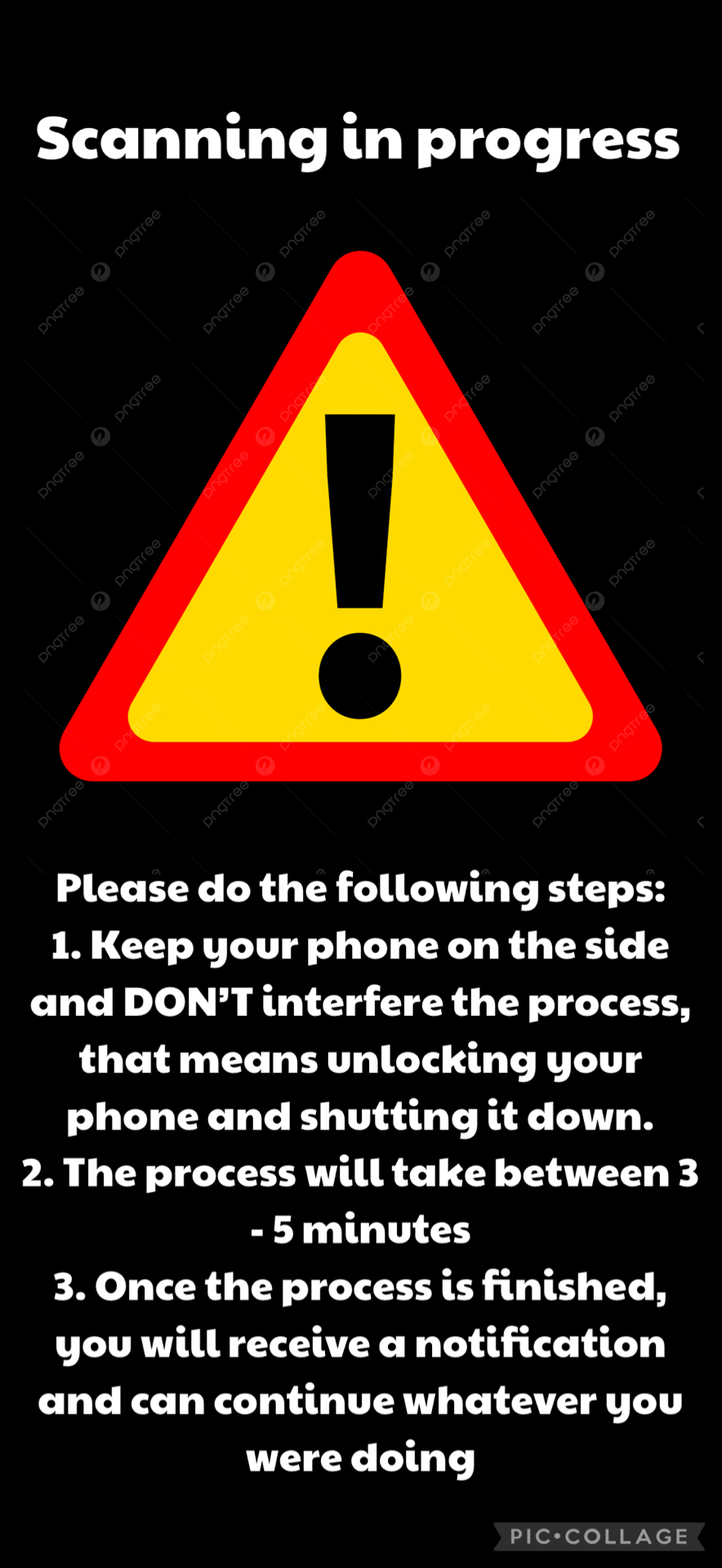
1. Download the image from the following link and name it ‘Scan’ and save it in the downloads folder: https://drive.google.com/file/d/1stOlKA04y7nQLTaCk5AFJGgpMuRAlD1Q/view?usp=drivesdk
2. Hold the shortcut > details > privacy > and enable the wallpapers check mark.
3. Hold the shortcut > details > add to homescreen > add(top right) WARNING: this will change your background, make sure its saved somewhere that you can acsess it easily to change it back
PLEASE DO NOT CHANGE THE ICON AND NAME AS THIS WILL CONFUSE iVirus
You might be able to hold the screenshot down below and click save to photos, then save image, name it ‘Scan’ and save in downloads without going to GD (aka. Google Drive)
I
Thank you for reaching 600 downloads
Changelog
-
Version 1.0 Current
3 months ago (Changes)
Extensions:
Siri is supported