 ShareShortcuts

Shortcut Inspect
Utilities • Updated 2 weeks ago
Download Shortcut Add to Collection Like (49)Version 1.0 • 595 unique downloads
ShareShortcuts Member:
@uniquegaming
🔍 Shortcut Inspect
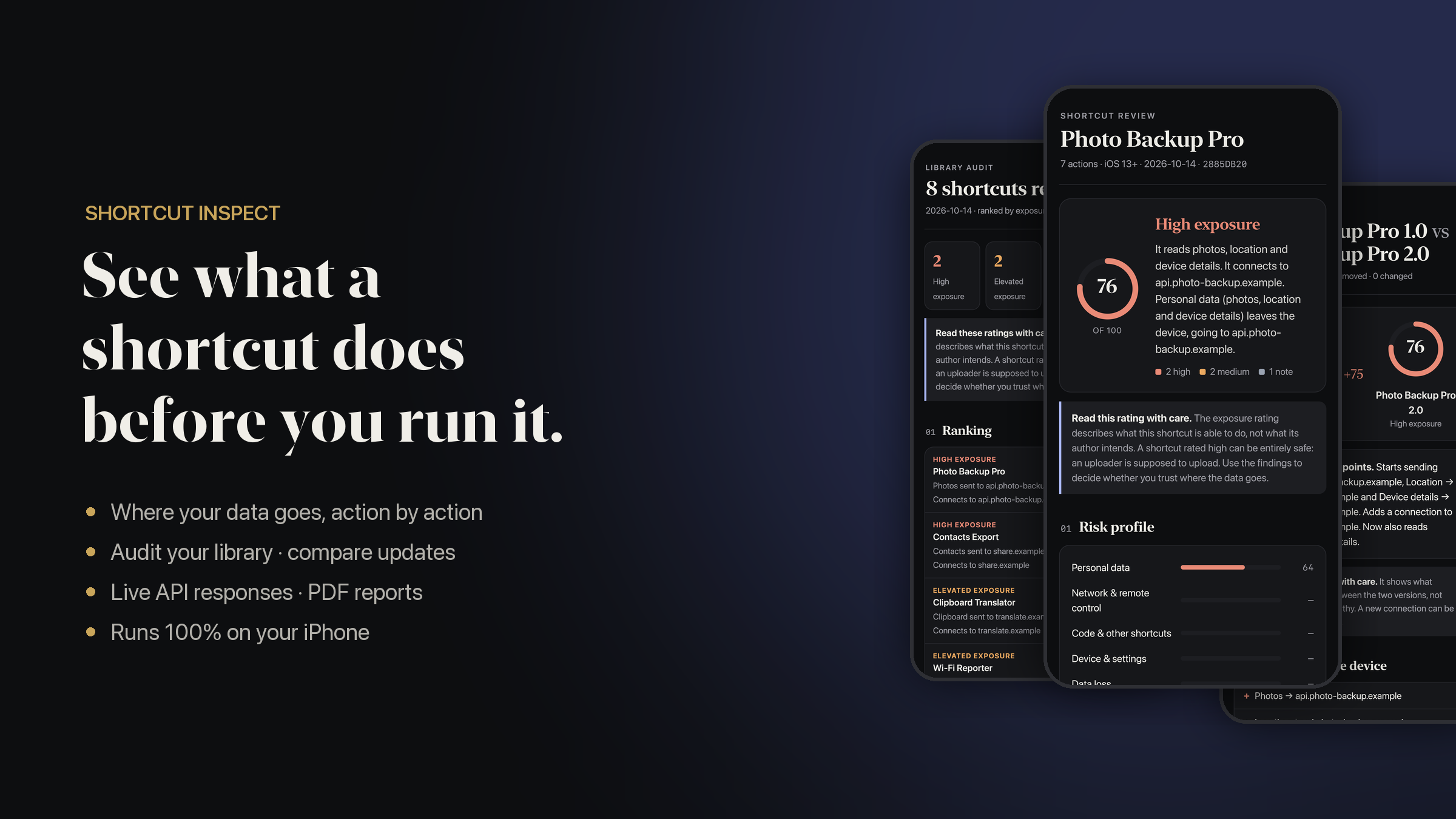
See what a shortcut does before you run it.
You found a cool shortcut online. It asks for your photos, your location, your clipboard… but where does that data actually go?
Shortcut Inspect opens any shortcut and shows you, in plain English, what it reads, where it sends it and what it can change. It runs 100% on your iPhone. Nothing is uploaded, there are no accounts and no servers.
✨ What it does
🧭 Full review
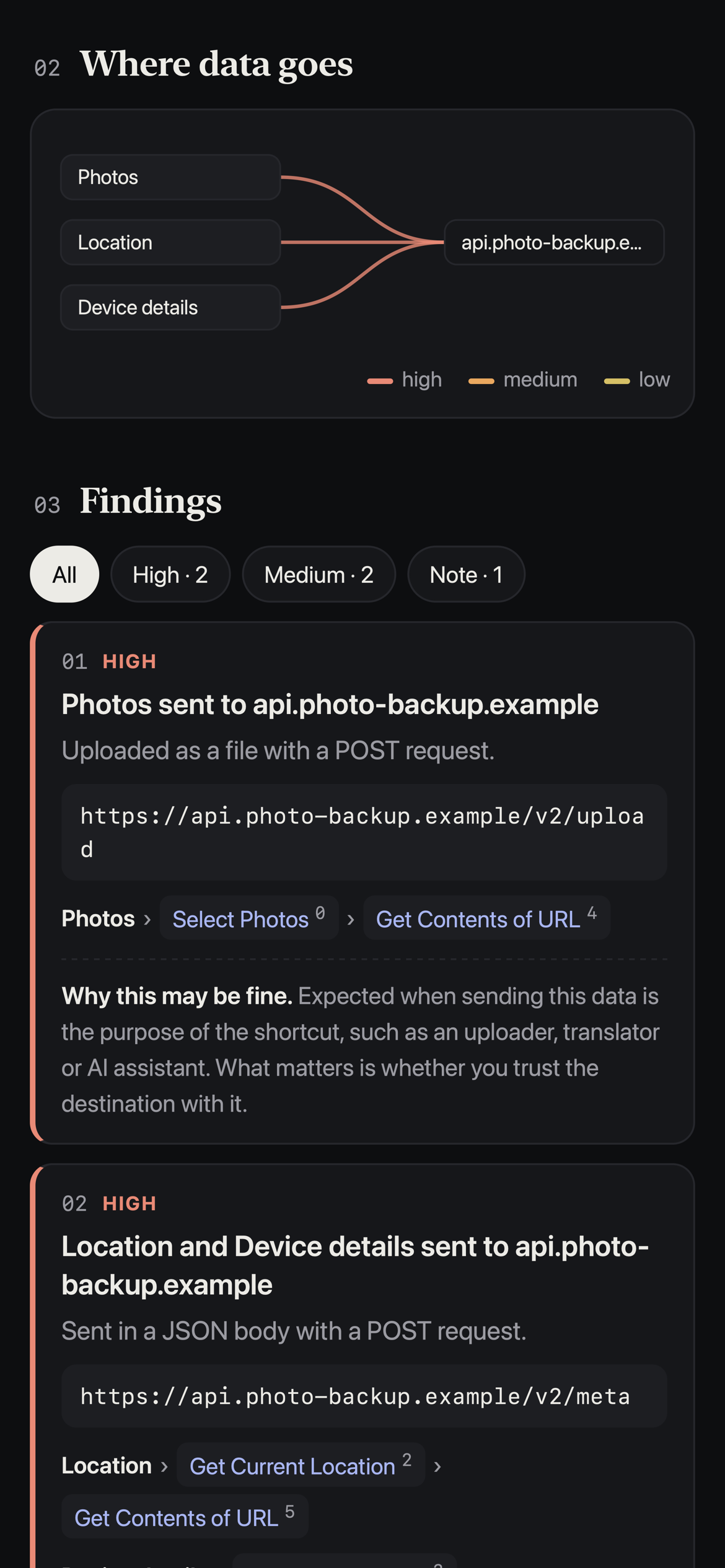
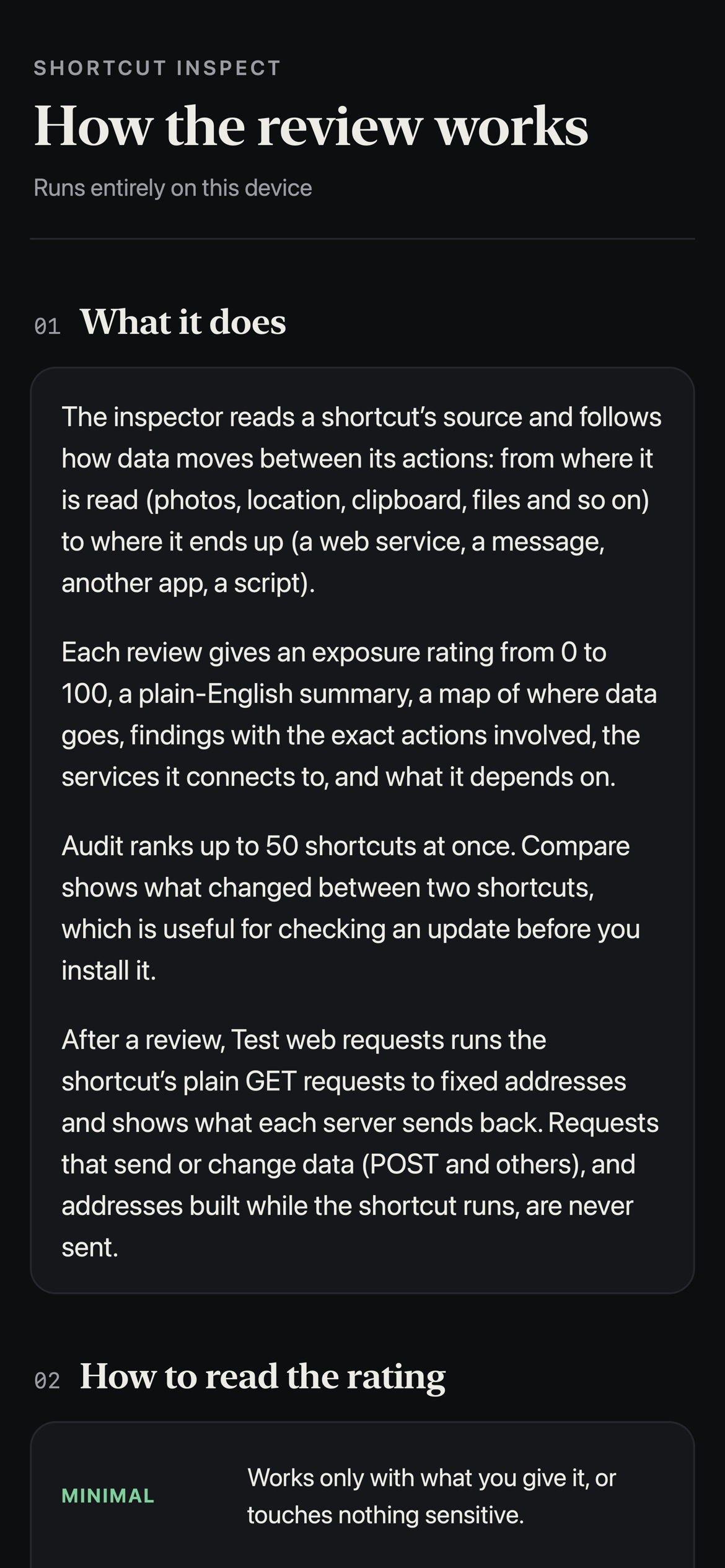
Follows your data action by action, from where it's read (Photos, Location, Clipboard, Contacts, Files…) to where it ends up (a website, a message, another app).
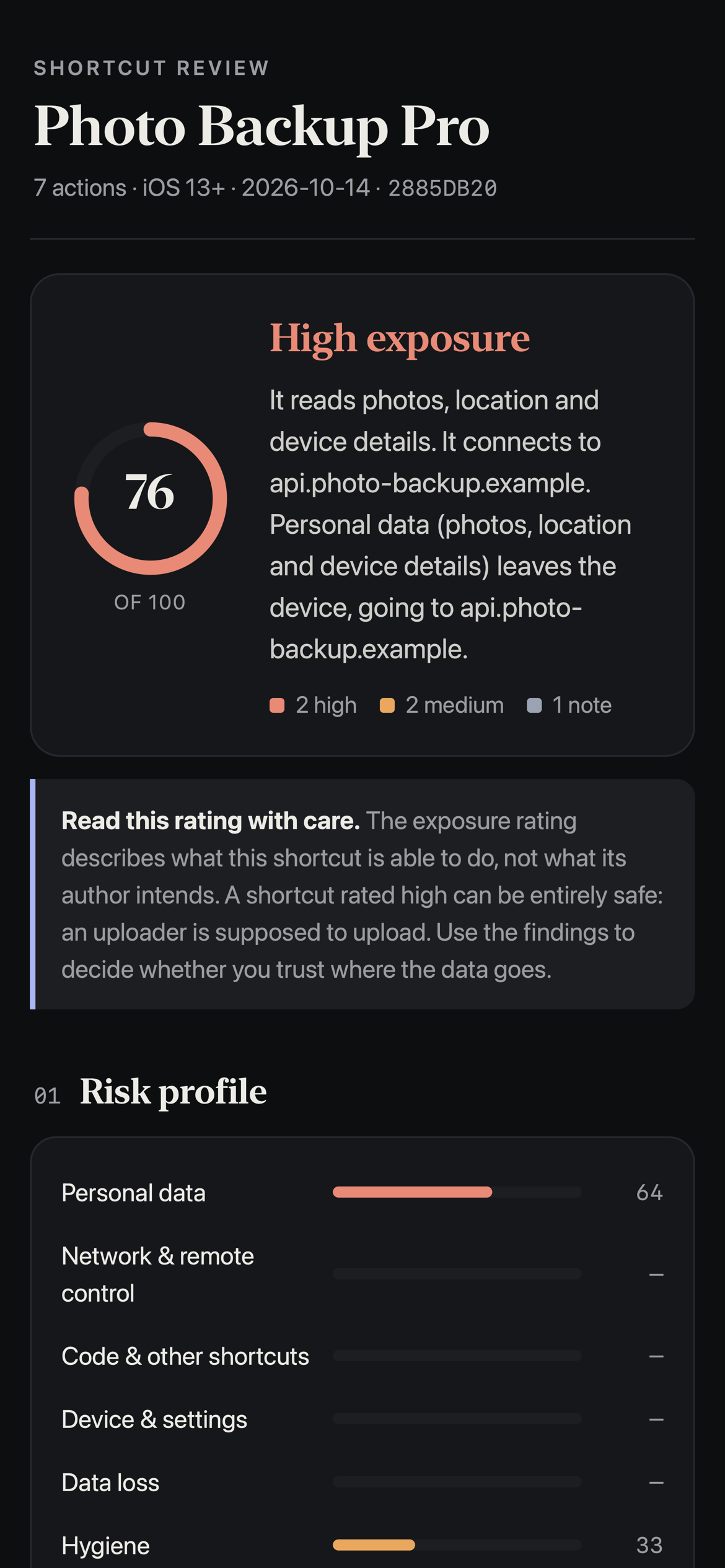
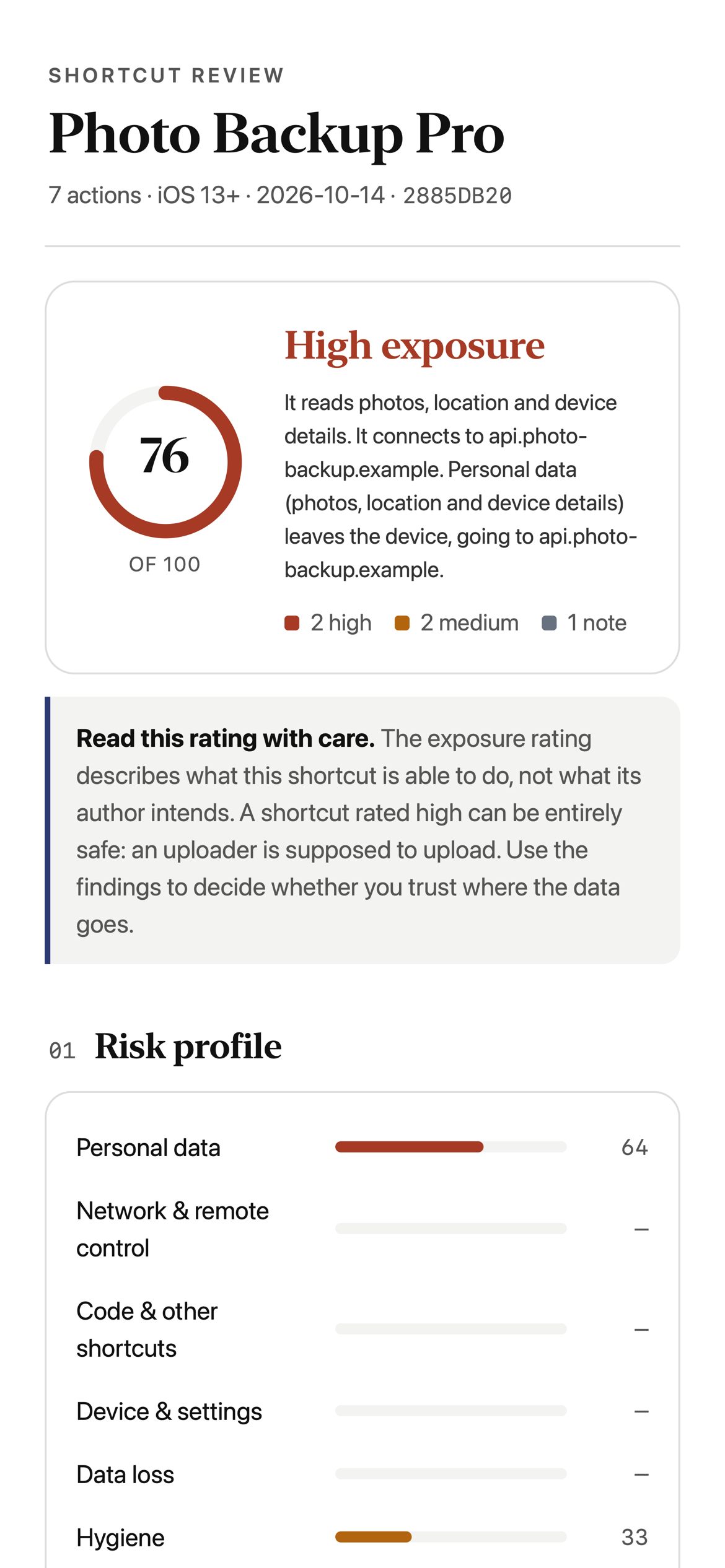
📊 Exposure rating
A clear 0–100 score with a plain-English summary, a risk profile and a visual map of where data goes.
🚩 Findings with proof
Each finding points to the exact actions involved, so you can check it yourself.
🔑 Hidden secrets
Spots API keys and tokens written straight into a shortcut.
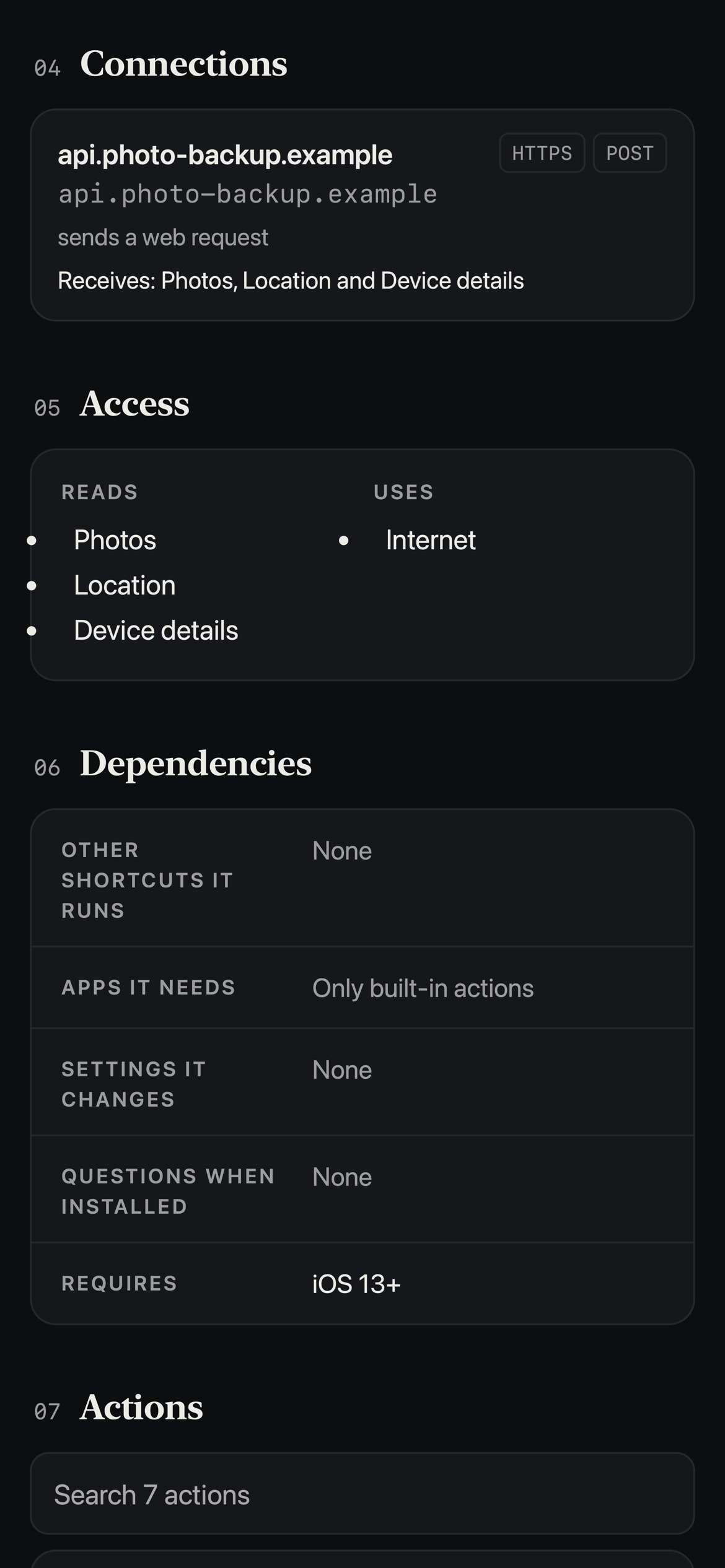
🌐 Connections
Lists every website and service a shortcut talks to, and recognises the well-known ones.
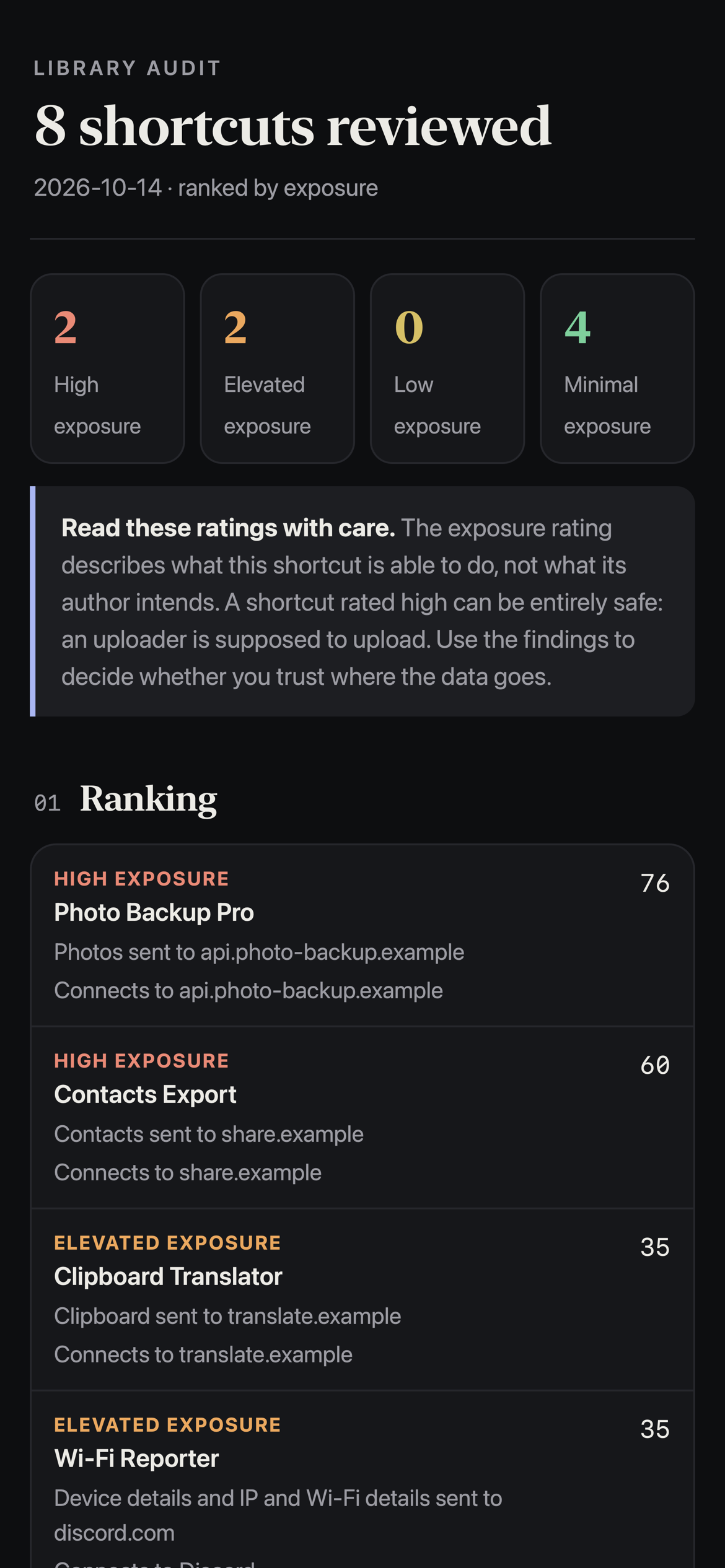
📚 Library audit
Ranks up to 50 shortcuts at once (or your whole library) from highest to lowest exposure.
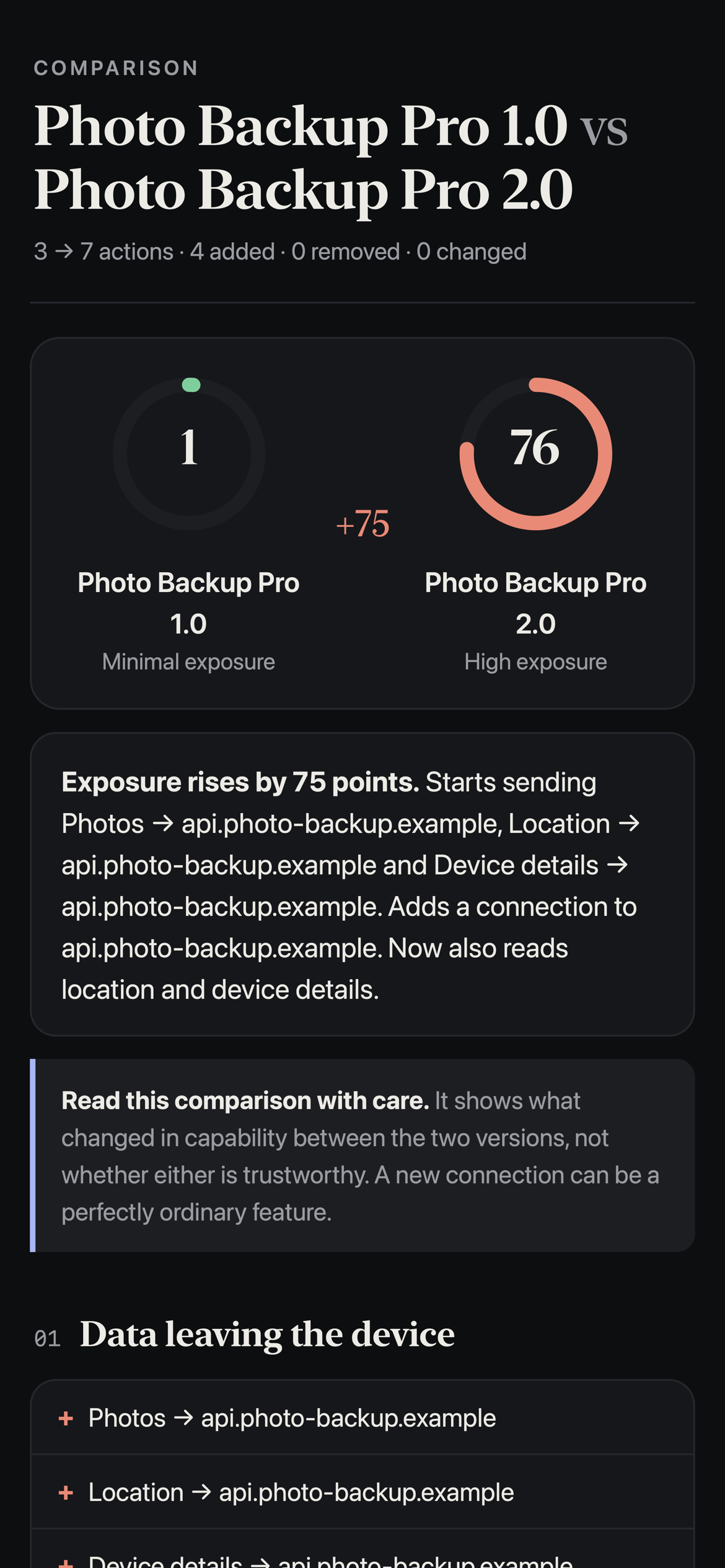
🔄 Compare two shortcuts
Got an update? See what changed before you install it, such as new connections, new data being sent or new permissions.
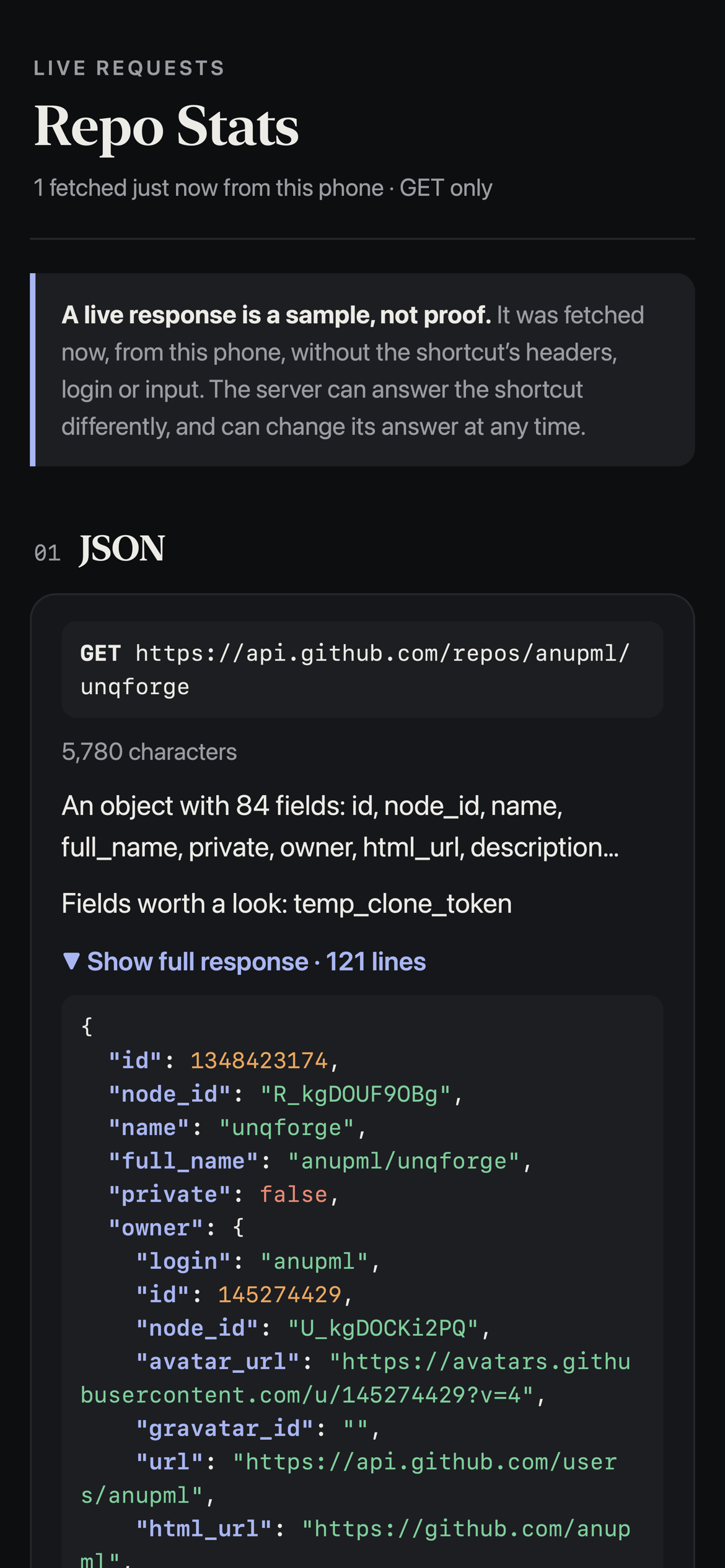
📡 Live requests
Runs a shortcut's safe GET requests and shows what each server sends back, with pretty-printed JSON. POST requests and anything that could change data are never sent.
📄 PDF reports
Export any report as a clean PDF on white or black.
📥 Ways to inspect
Pick one of your installed shortcuts
Paste an iCloud link (great for checking a shortcut before you add it)
Open a
.plistfileUse the Share Sheet on any shortcut
⚠️ Read the rating with care
The rating measures what a shortcut can do, not what its author intends. A photo uploader is supposed to upload photos, so a high rating can be completely safe, and a low rating is not a guarantee. Use the findings to decide whether you trust where your data goes.
🔒 Privacy
Every review runs on your device
Nothing about your shortcuts is uploaded
The only network use is checking for updates, fetching an iCloud link you give it, and Live requests that you choose to run
📋 Requirements
iOS 17 or later
Allow Shortcut Inspect to run scripts and fetch iCloud links when iOS asks
Changelog
-
Version 1.0 Current
2 weeks ago (Changes)
Extensions:
Siri is supported
ShareSheet is supported